Free
$0500 words a week
- Voice to text in any app
- 60 languages
- History on your PC
- Chat assistant
Hold Ctrl + Win in any app and say it like you’d say it. Let go, and the text is already there, cleaned up and punctuated.
You say“Uh, tell Shivawn I’ll send the build… no, on Monday.”
 Telegram
hey! when are you sending Siobhan the build?
 New message
SubjectMonday’s build
 auth.ts · Cursor
12export async function login(req: Request) { 13 const res = await fetch(AUTH_URL, req) 14 if (!res.ok) throw new Error(res.status) 15 return res.json() 16}

Short in chats, polite in email, tidy in notes. Casual Whisper sees which app you’re in and picks the Mode for it. Write your own in plain words.
I’ll send Shivawn the build on Monday
Message mode keeps it short. Next, teach it the name.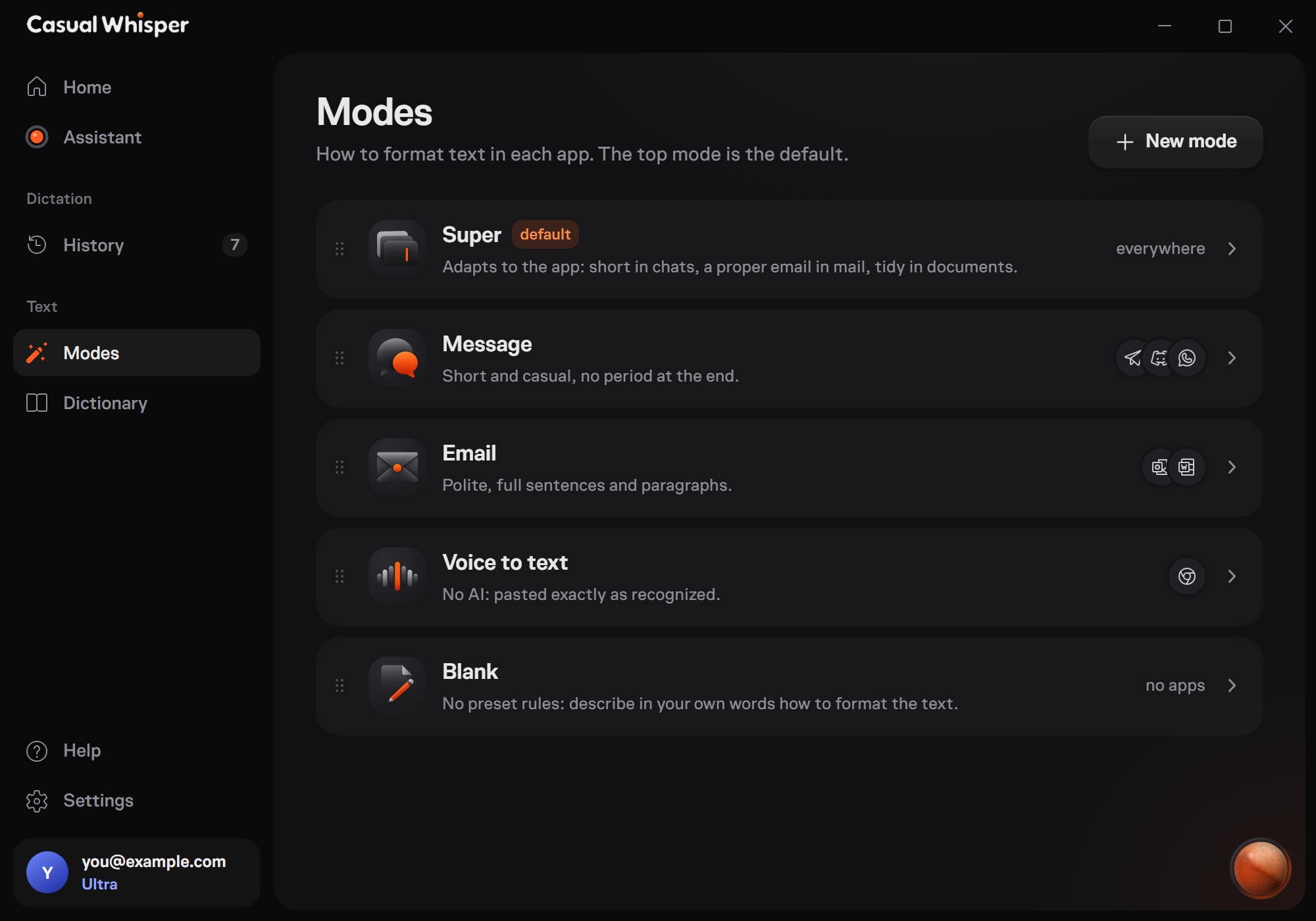
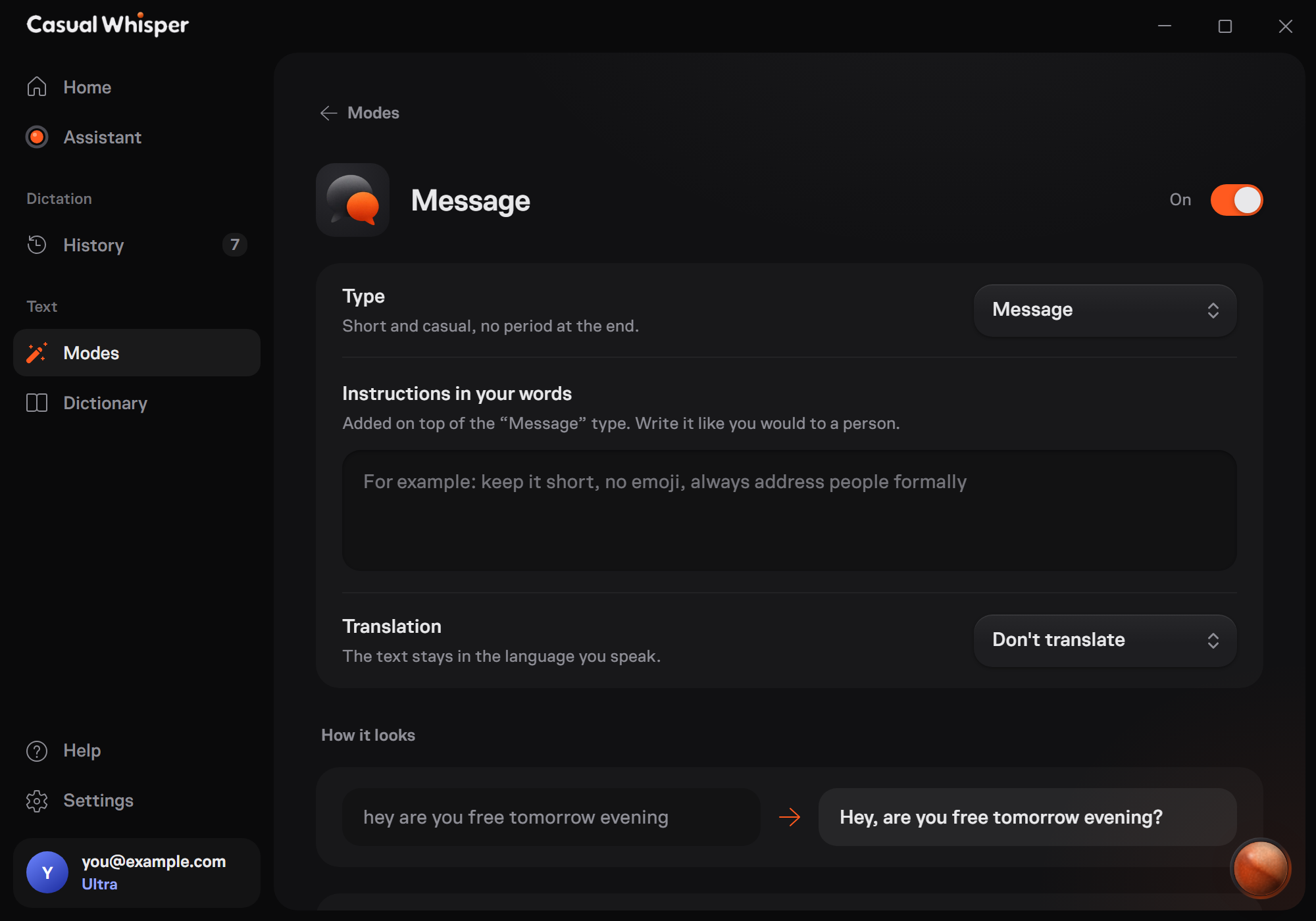

Add names, brands and terms to your Dictionary. From then on they come out spelled right, in every app.

History and voice recordings live on your computer. Our server turns speech into text and keeps neither, only a word count for your plan.
I’ll send Siobhan the build on Monday
The same words, ready to find again.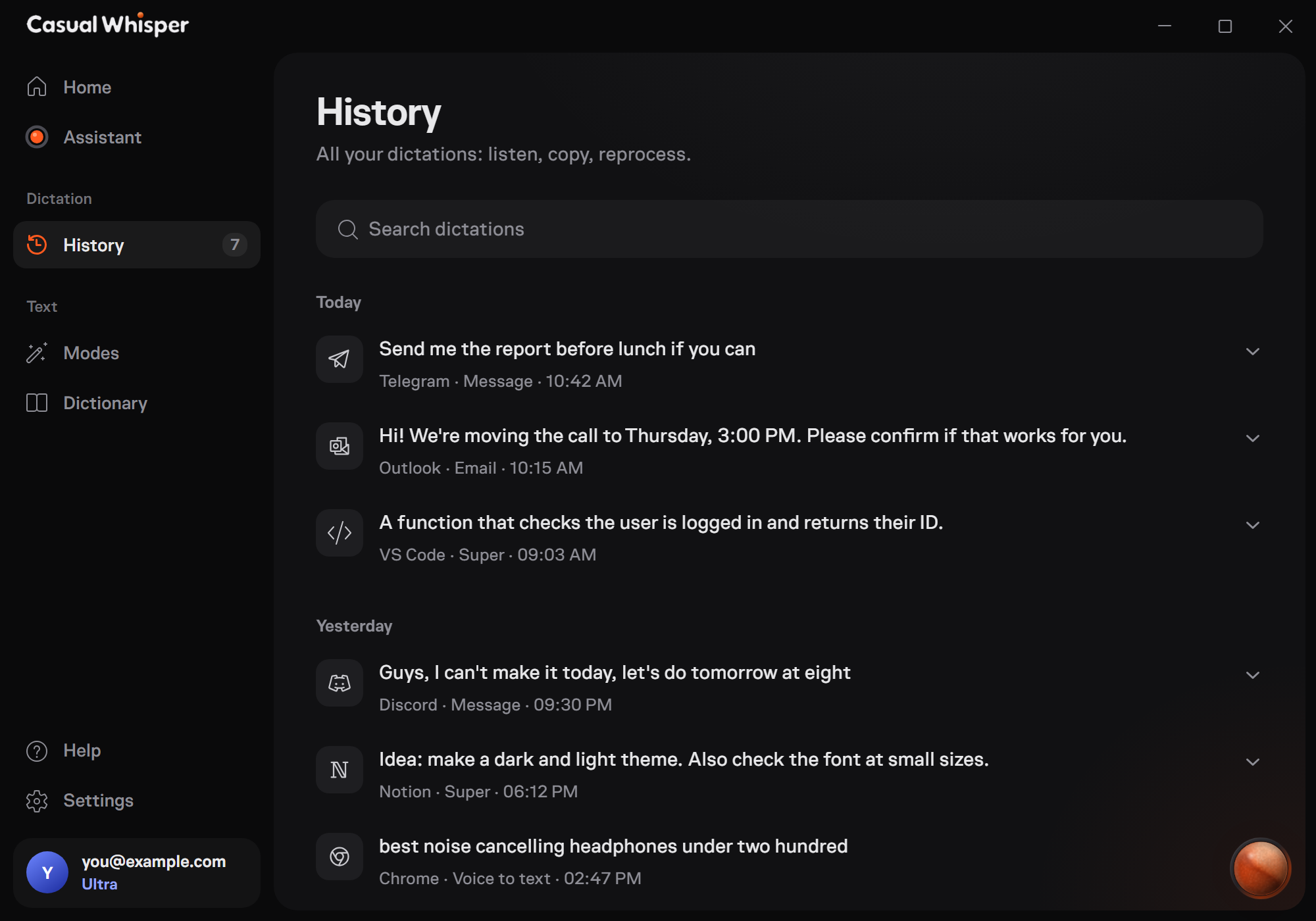
One thought, from your voice to the right window.

Pro removes the limits. Ultra adds an assistant over any text.
Everything in Pro, plus:
Rather pay once? Pro forever for $250, every update included.
Get Pro foreverAnything else? Write to [email protected] or ask the assistant inside the app.
Anywhere you can type on Windows: messengers, email, browsers, code editors, documents. The text lands where your cursor is.
Not yet. Casual Whisper is made for Windows 10 and 11 first.
They stay on your computer, in History. Our server turns speech into text and keeps neither the audio nor the text.
60 languages, and you can switch mid-sentence. The app itself speaks English, Русский, Українська, Қазақша, 中文 and Deutsch.
Each word of finished text. You get 500 a week, and the count starts over every week.
It lives in the app on every plan: answers questions, changes settings for you and passes you to a person when needed. On Ultra it also works on a hotkey, over any text.
Install it, hold two keys, say something.

